Feeder can watch a feed for posts that change after they are published. When a post you follow is edited, it comes back as unread, and you can see exactly what changed: new text in green, removed text struck through. Change detection is on the Professional and Enterprise plans.
How do I turn on change detection for a feed?
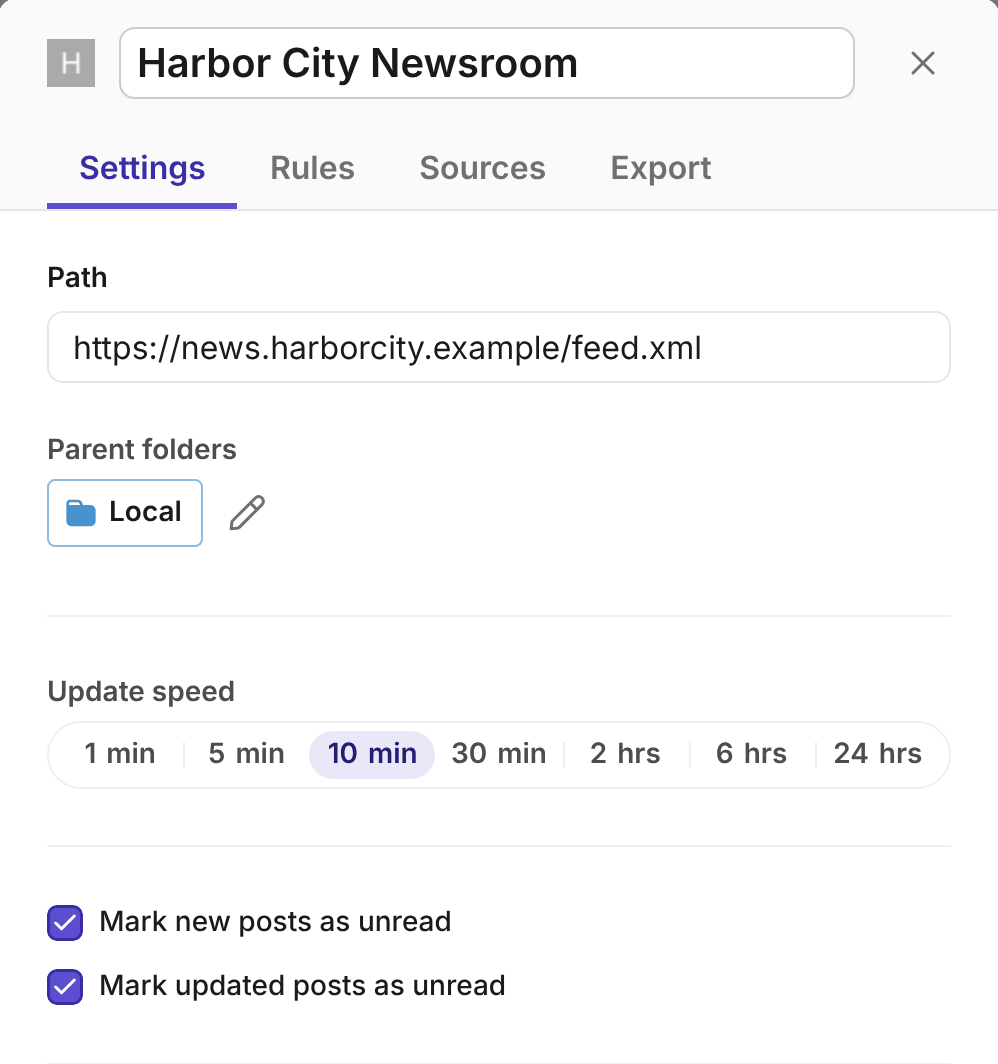
- Right-click the feed in your feed list, or hover over it and select More (the three dots).
- Select Edit feed.
- On the Settings tab, select Mark updated posts as unread. The change is saved right away.
It's off by default. Turn it on for the feeds where an edit matters, like news, press releases, government notices, security advisories or terms of service. You turn it on in the web app, and it works for the feed on all your devices.
How do I see what changed?
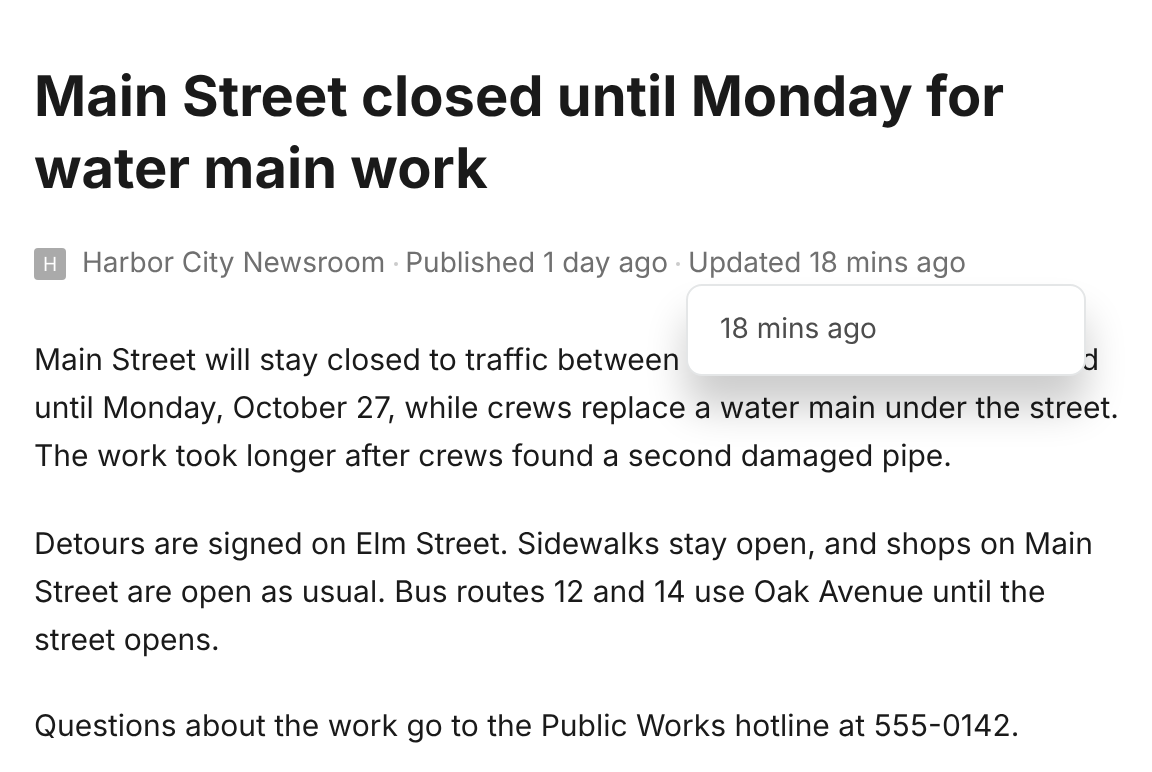
- Open the edited post. The line under its title says Published and Updated, with how long ago each happened.
- Select Updated. A menu lists the post's earlier versions.
- Select a version. Feeder marks everything that changed since then: added text in green, removed text struck through. The box above the post says which parts changed: the title, the content, the link or the images.
- Select × in that box to go back to the normal post.
Feeder keeps the last 20 versions of a post.
What counts as an edit?
Feeder compares a post's title, link and the text you read. It leaves out changes that aren't news:
- A fixed letter case, new quote marks or a moved link is kept in the version history, but the post doesn't come back as unread.
- Related posts, "most read" and trending lists, view counts and times like "3 hours ago" are ignored.
- Dates, categories, authors and attachments don't count as an edit on their own.
- A post that changes back to a version it had before doesn't count again.
- When a site changes most of its posts at once, for example after a redesign, Feeder ignores the change.
What happens when a post is edited?
- The post comes back as unread, in the web app and in the iPhone, iPad and Android apps.
- Your notifications for the feed fire again.
- Your rules run again on the new version. If the edit makes the post match a rule, the rule acts on it. The duplicate filter and automatic translation don't run again.
- Slack, Microsoft Teams, Discord and Telegram messages from your rules start with "Updated:", so they don't look like a new post.
- Webhooks get
"updated": truein the post's data.
Common questions
Why didn't an edited post come back as unread?
The edit may have been one that Feeder ignores, like a moved link or a view count. Feeder also stops reporting a post after 5 edits in a day, and a feed after 300 edits in a day, so a site that changes posts all the time can't flood your list. Feeds that Feeder builds from a web page, like AI Feeds, aren't checked, because their posts are read again from the page on every check.
Can I see the changes in the apps?
Not yet. In the iPhone, iPad and Android apps an edited post comes back as unread and sends its notification, but the marked changes are only in the web app.
Which plans include change detection?
Professional and Enterprise. On other plans, selecting Updated on a post shows how to upgrade. See Pricing.
Still stuck? E-mail support@feeder.co with the name of the feed and the post, and we'll help.