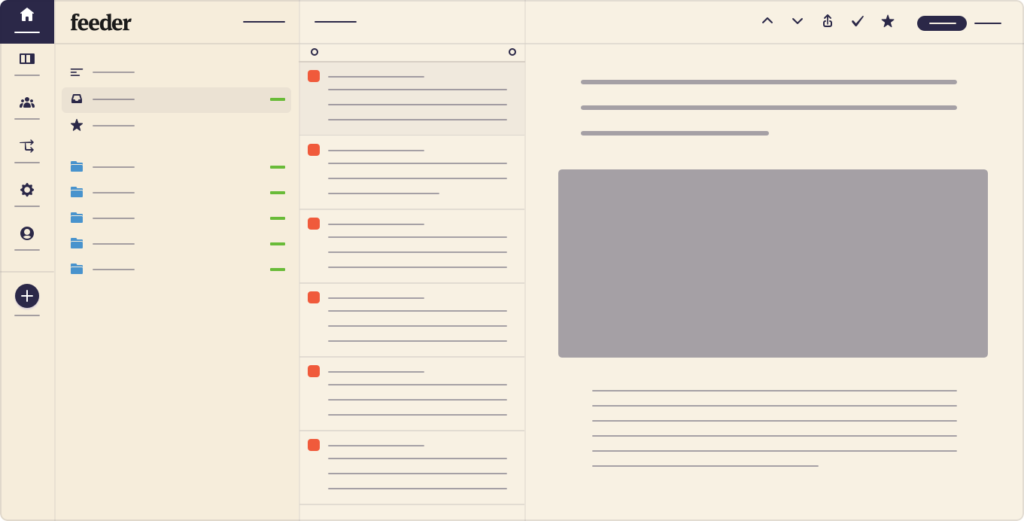
Feeder update: New themes
Feeder adds two new themes to the web reader and extensions: Sand, a mellow color scheme, and Grey, a calmer take on the dark theme.
Feeder blog
News, releases and stories from the Feeder team.
Feeder adds two new themes to the web reader and extensions: Sand, a mellow color scheme, and Grey, a calmer take on the dark theme.

We thought you’d appreciate a happy story with a happy ending! As you all know, we want Feeder to be a versatile product with endless possibilities. And it truly is! That’s why we like to make posts like this, to broaden your mind and in...
There are various ways you can use Feeder. It can be a fantastic tool to use in your profession, but also to keep track of your personal interests. We know that keeping your interests alive in itself can be a full time job! Or at least p...

Today we’re pleased to announce the release of collections. Collections are a way to create custom lists of posts. It works almost exactly like starring a post. Our users found many creative ways to use their starred posts list: like kee...
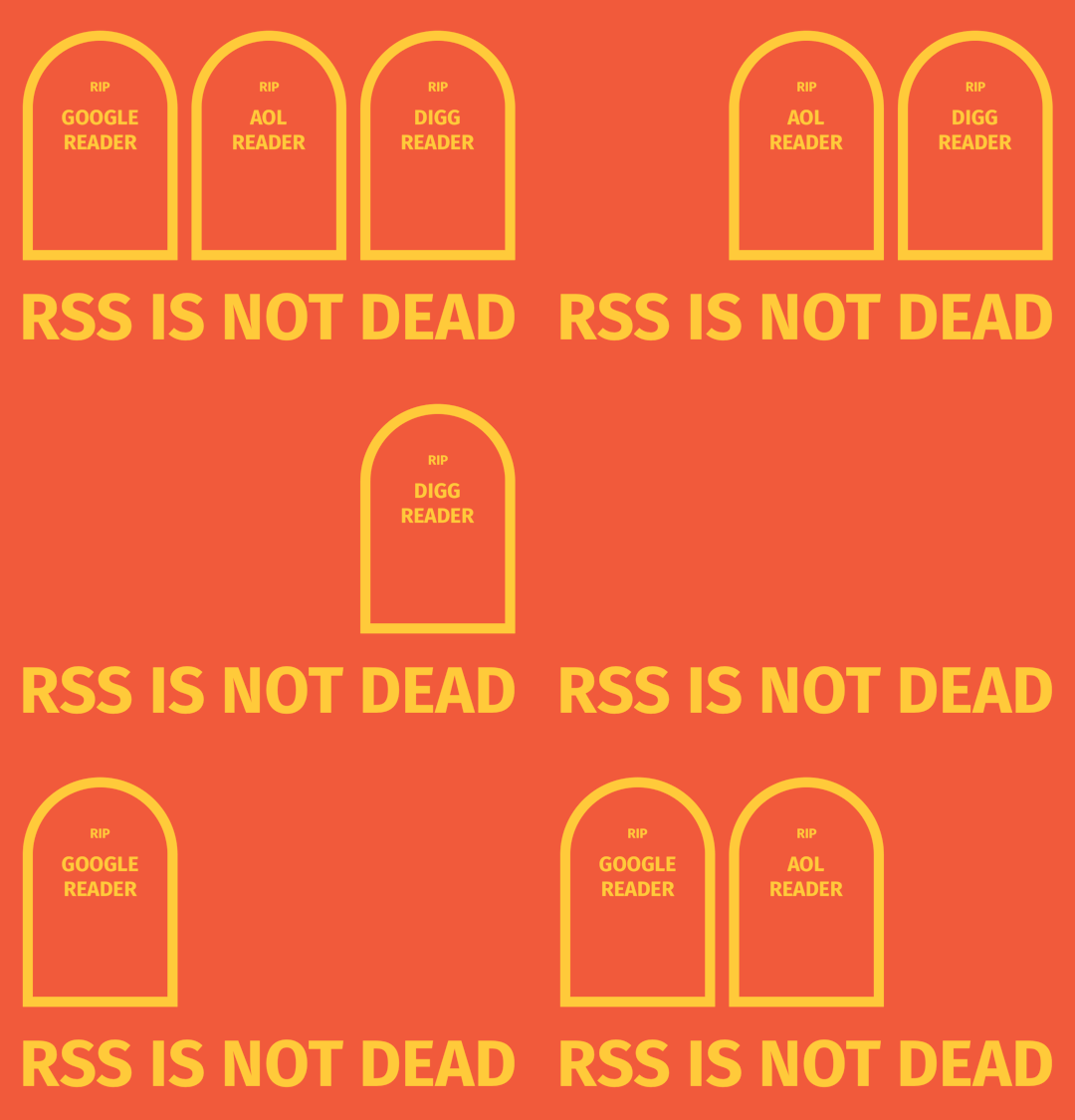
Many celebrities have been declared dead on social media, and have had to go to their Twitter and proclaim that “No, I am in fact not dead”. Today, it’s easier to declare the death of someone, than it is for that someone to stop the spre...

Today the news broke that Digg Reader is shutting down on March 28th 2018. MakeUsOf posted an article announcing this and mused about the “death of RSS”. Many people have been making these claims ever since Google Reader shut down, but i...
We’re excited to announce that Feeder now joins ranks of softwares that support the emerging JSON Feed standard.
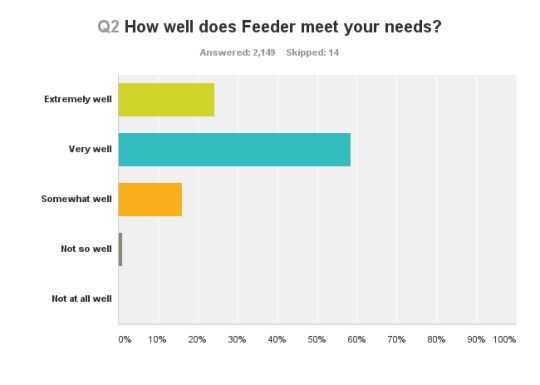
A week ago we sent out a survey to our feeder lite users. Lite is what we call the free plan of feeder, which only allows the use of our extensions. To gain access to sync, backup of feeds, mobile apps and faster updates you need to purc...