Do you curate updates and send email newsletters to your team or subscribers? Then read on!
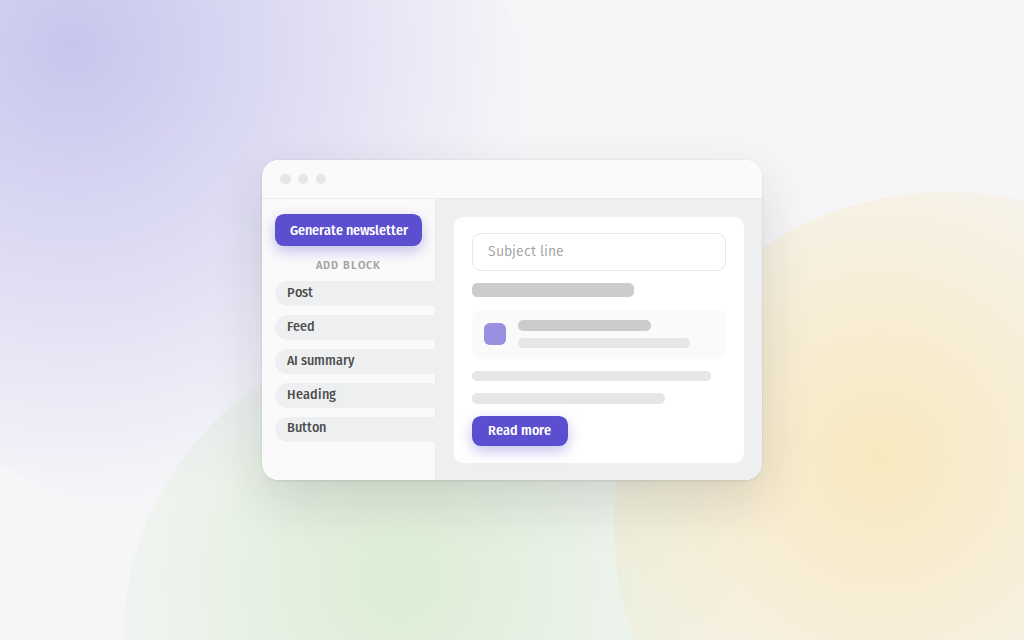
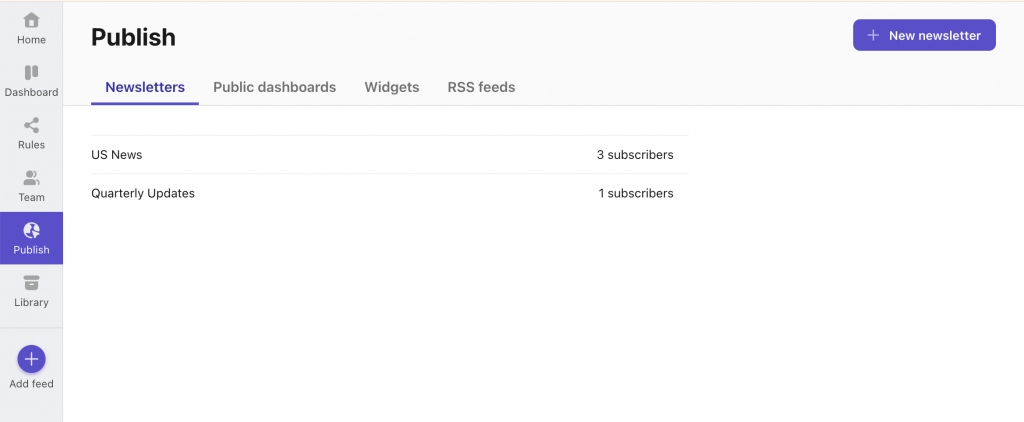
We've released a massive update to our newsletter creation feature. We've made it easier, added more ways to style your emails to make them yours, and also integrated with AI to help you build relevant newsletters in an instant. It lives in the Publish tab, under Newsletters.
Building an email is upgraded
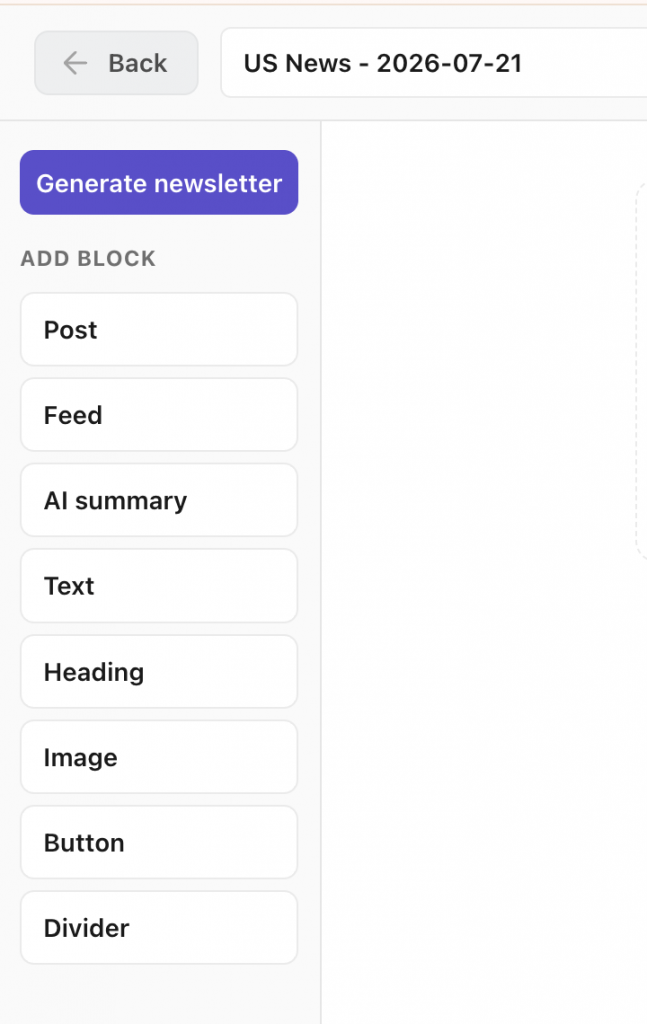
Each email is built in our brand new full-page editor. Add a post through the picker, which searches across every feed you follow, then write around it with headings and rich text. You can also add buttons, images, or dividers.
Start from an AI draft
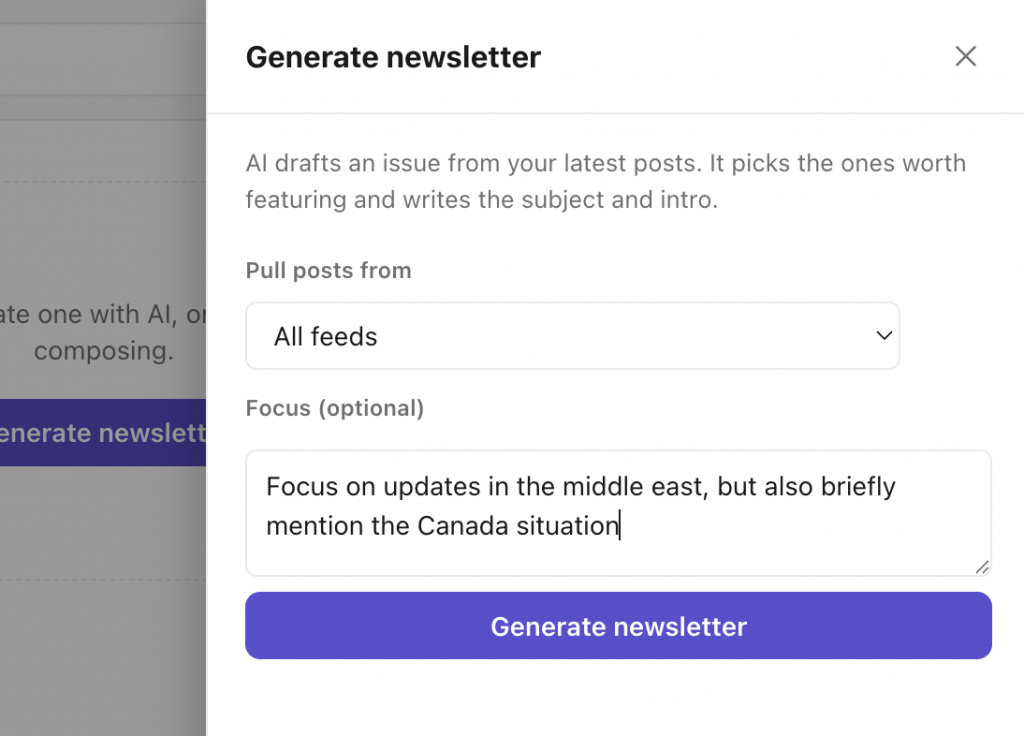
To make it easier to get started, we've integrated with AI to help generate the initial draft. Hit Generate newsletter and Feeder builds a first draft from your feeds. It reads your latest posts, picks the ones worth featuring, writes the subject line and a short intro, and arranges them into sections with a line of context between them.
Import your audience
Add them by hand or import a CSV, and export the list the same way. New subscribers confirm their address before the first send, so double opt-in is on by default. Each one shows as confirmed, pending, unsubscribed, or bounced.
Make it yours
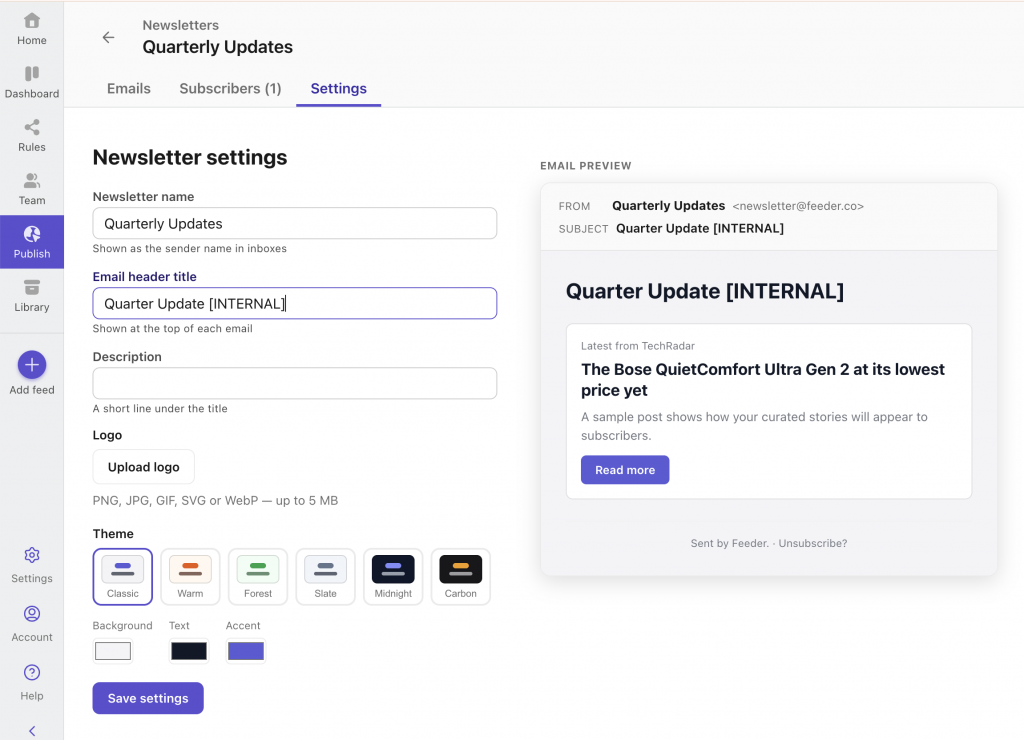
Customize the newsletter with your colors, logo and title. We've curated a nice set of defaults, but it's ready to match your brand entirely.
Stats and insights
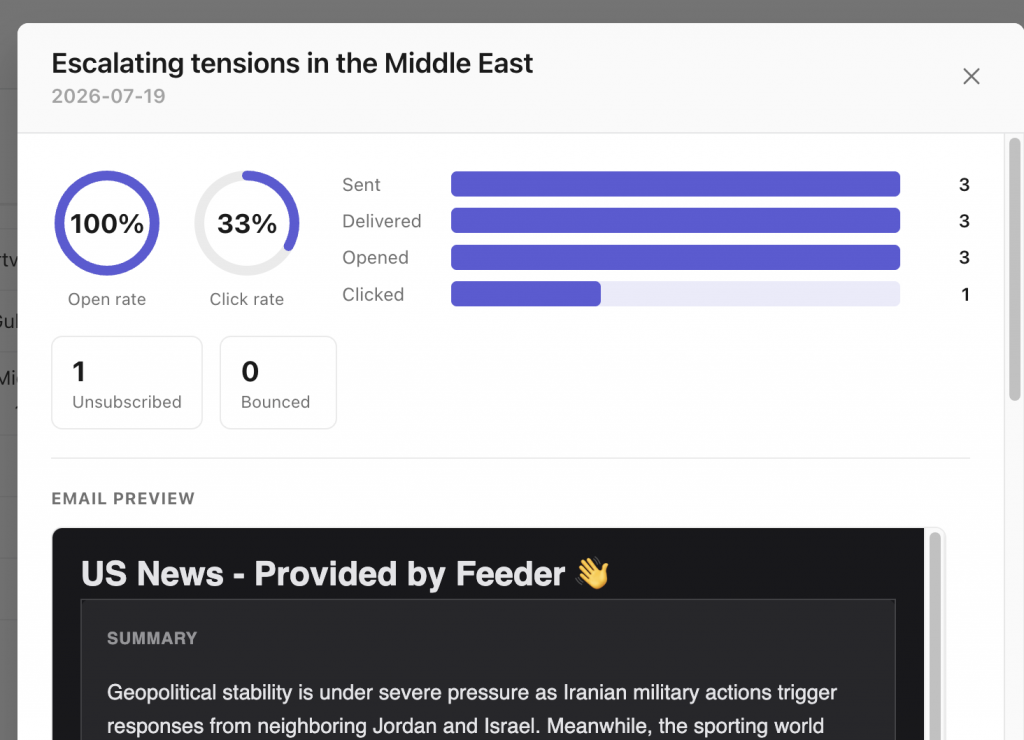
Every email you send shows its open rate, click rate, and how many people unsubscribed or bounced. We'll automatically unsubscribe bounces and spam complaints to keep your list clean.
Newsletters are on the Professional and Enterprise plans, with room for 100 and 1,000 subscribers.
We're really excited about this update! Looking forward to seeing what you create. So why not create your first newsletter? Also, if you have any feedback, ideas or requirements, just let us know at support@feeder.co