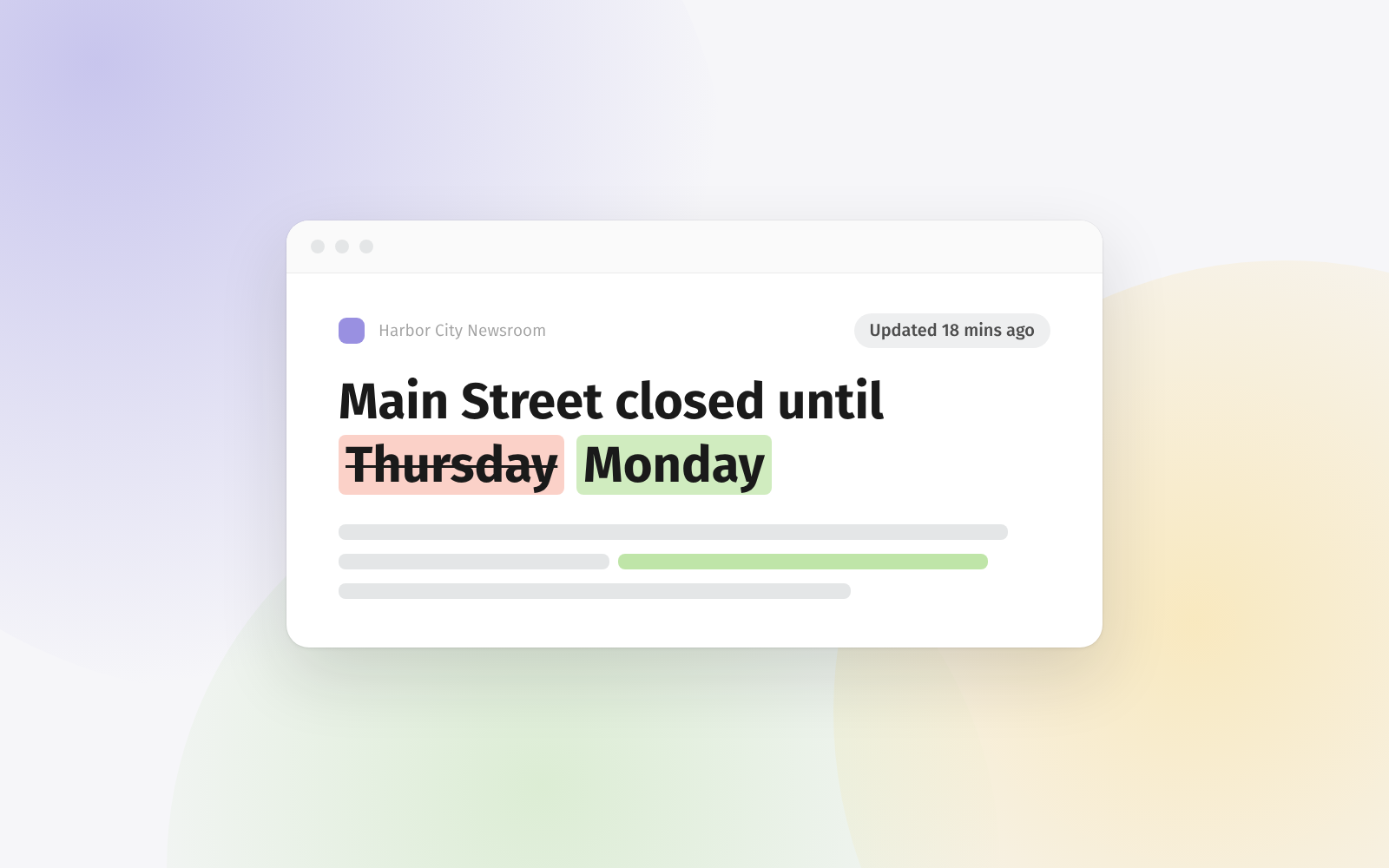
Do you follow news sites, press releases or government notices in Feeder? Posts like these often get changed after they’re published, and until now you had no way of knowing.
Feeder can now detect edits. Turn it on for a feed, and when one of its posts changes, it shows up as unread again. Click Updated on the post to see what was added and what was removed.
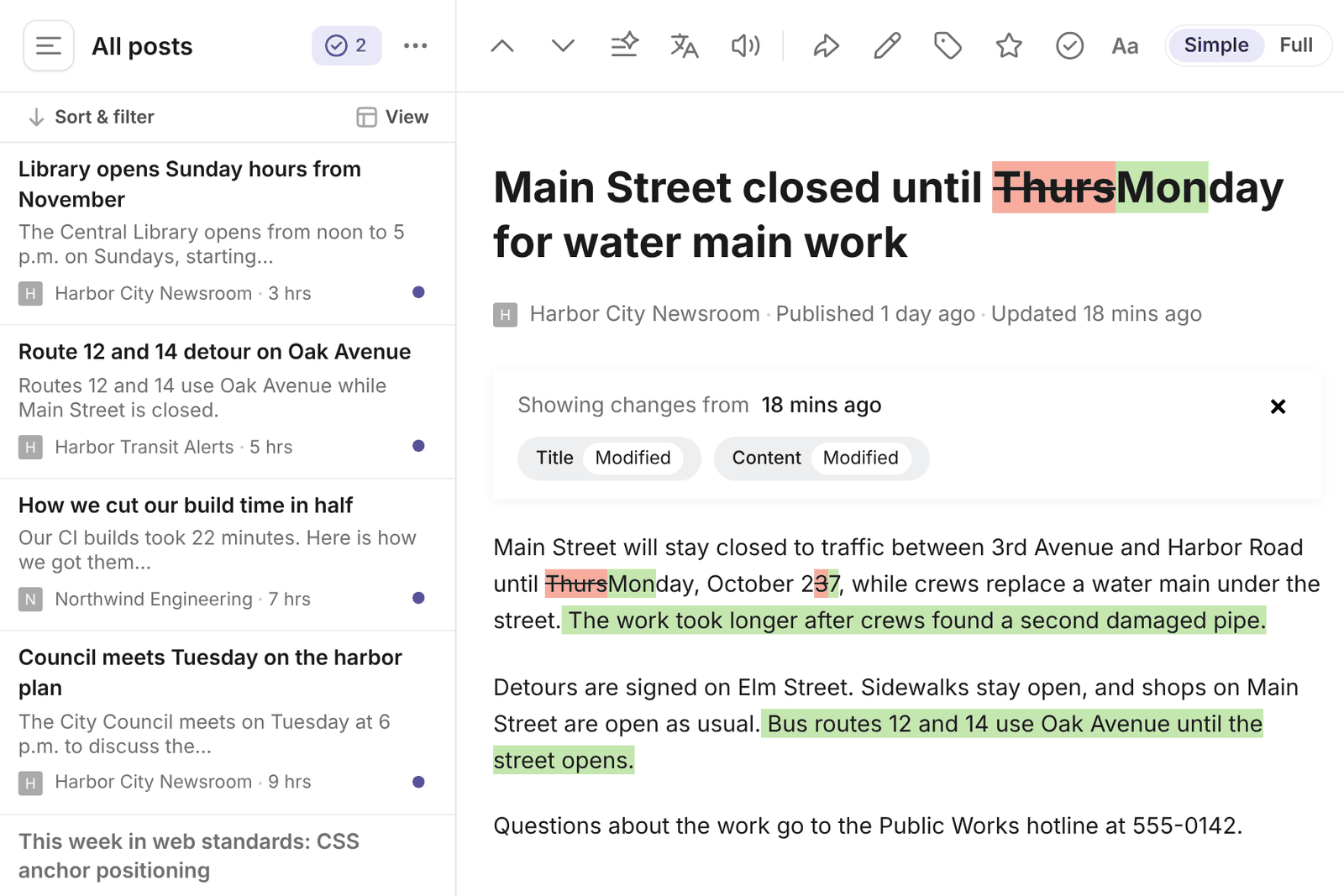
Edited posts also run through your rules again. If you send a feed to Slack or Teams, the edit shows up there with “Updated:” in front of the title, so your team sees the correction too.
Some sites change small things on every visit, like view counts or “most read” lists. Before we turned change detection on, we ran it on 183,000 feeds for five days and taught it to ignore that kind of change.
Change detection is on the Professional and Enterprise plans.
If you have feedback or ideas, let us know at support@feeder.co.