After over 6 weeks in our Beta program, and many iterations and improvements later, we are so happy and proud to announce it to all our users.
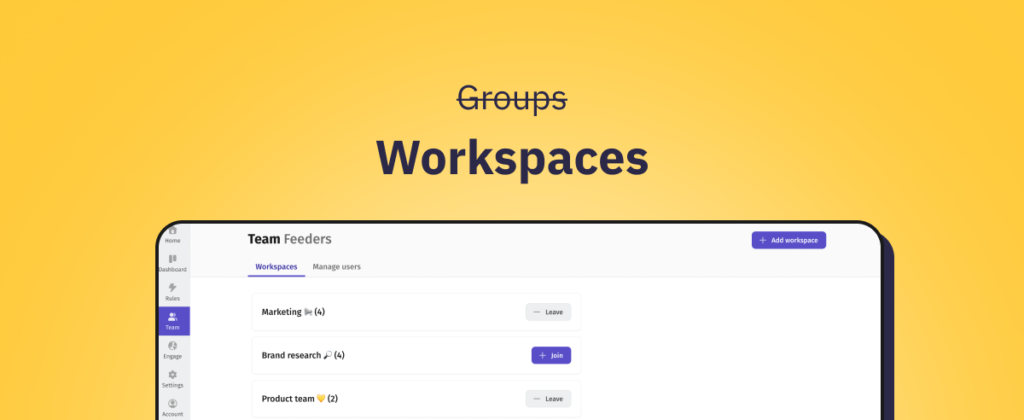
Introducing: Workspaces for Teams ✨
Collaboration between team members is one of the most powerful and loved features in Feeder - but has, up until now, been a bit daunting for new users. This renaming and full UX-overhaul is aiming to rectify that.

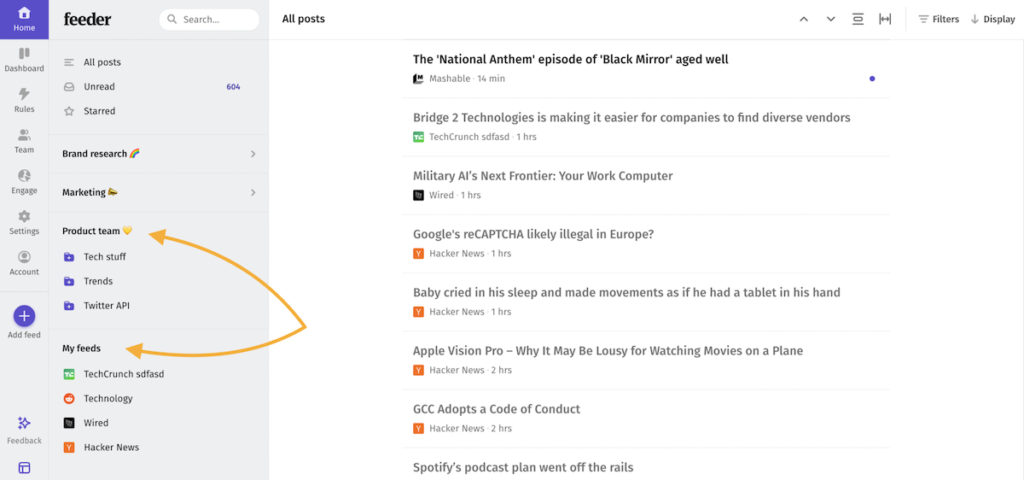
You can find your workspaces in the sidebar, where you can swiftly distinguish feeds from your personal- and team workspaces, all in one glance.
What has changed?
In this release we have:
- Renamed Groups to Workspaces
- Integrated Workspaces into the Sidebar for easy access and clear distinction between personal and team feeds
- Simplified navigation between different workspaces, making multitasking a breeze (keyboard navigation is now better than ever!)
- Completely re-designed the Team homepage to clarify the purpose of Workspaces
- Made adding Feeds to a Workspace (prev. Group) easier than ever before
- Added a guided onboarding for first-time Workspace users

How to get started?
We have compiled a little help article for you to get started. Read more on this link: https://feeder.co/help/professional/workspaces-beta-collaborate-and-share-with-ease/
Help us keep improving
As always, we are eager to hear your feedback and you can reach us at support@feeder.co.