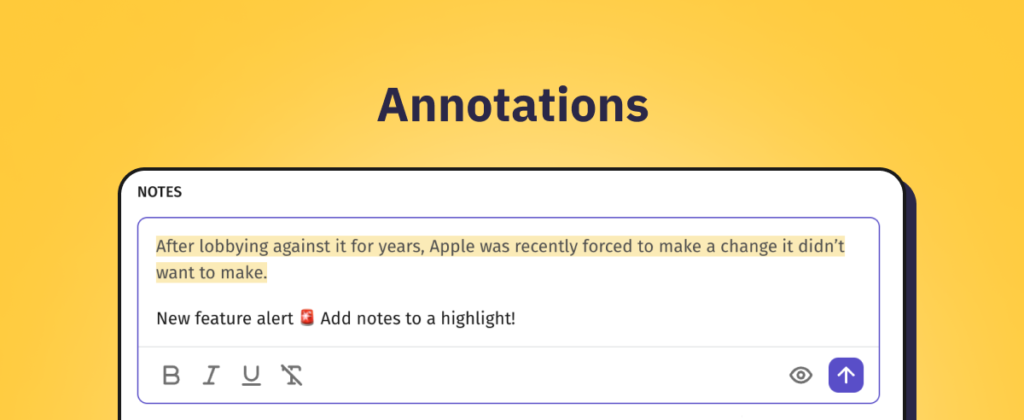
Did you ever wish that you could just highlight text in an article, and write a little Annotation to yourself? Well, now you can!
Simply mark the text with your cursor and choose Add note to selection to create an Annotation.

Working together with Notes, they link your thoughts to a piece of text from the article. The highlighted text will remain marked with yellow - for you and members of your team. And you can find your Annotation together with the Notes at the bottom of the article.

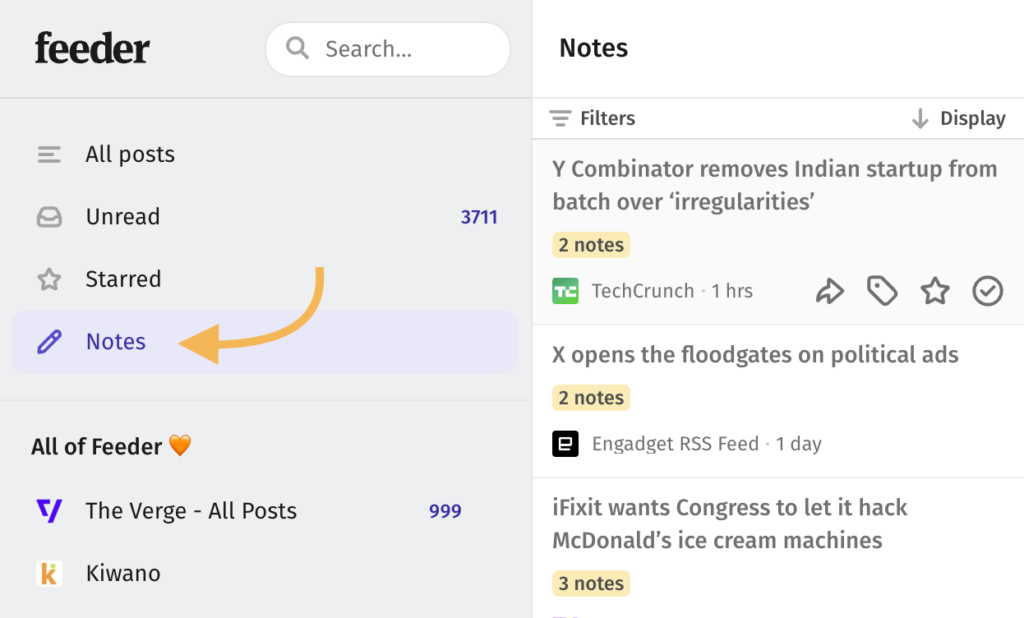
You can easily find your Annotations together with your Notes in the sidebar.
What has changed?
In this release we have:
- Introduced the functionality to highlight text in an article and create an Annotation
- Included Annotations together with Notes at the bottom of articles
- Made Annotations findable using the quick filter "Notes" in the sidebar
Learn more
You can find an introductory guide on how to use Annotations here.