
Feed your AI
Connect Feeder to Claude, Cursor, ChatGPT, or any MCP client. The server covers your feeds, posts, folders, and collections, with OAuth sign-in.
Feeder blog
News, releases and stories from the Feeder team.
Connect Feeder to Claude, Cursor, ChatGPT, or any MCP client. The server covers your feeds, posts, folders, and collections, with OAuth sign-in.
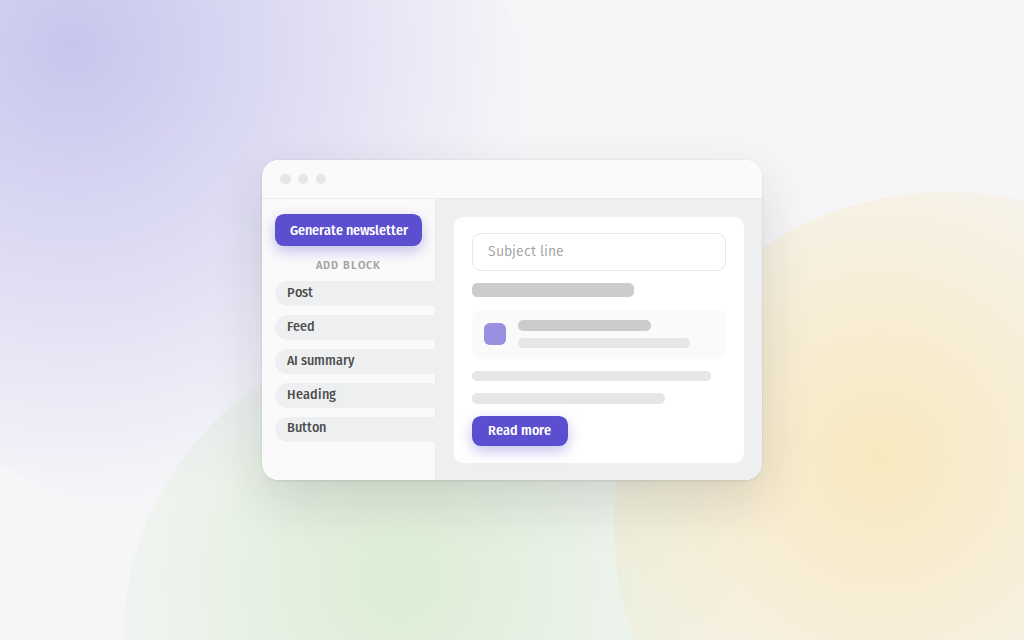
Build and send email newsletters from your feeds in Feeder. Draft the issue with AI or curate it by hand, brand it, and track opens and clicks.

In 2024 Feeder added Telegram as a source. Choose Telegram in Add feed and enter a channel's username to follow it. For Plus, Professional and Enterprise users.

In 2024 Feeder added duplicate filters, a rule that hides posts with the same title or URL across your feeds and folders. For Professional and Enterprise users.
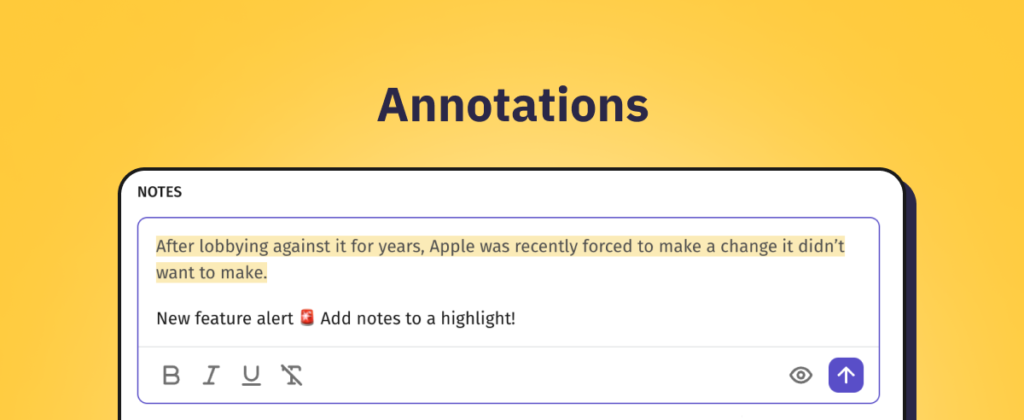
In 2023 Feeder added Annotations: highlight text in a post, attach a note to it, and find them with your Notes in the sidebar, shared with your team.
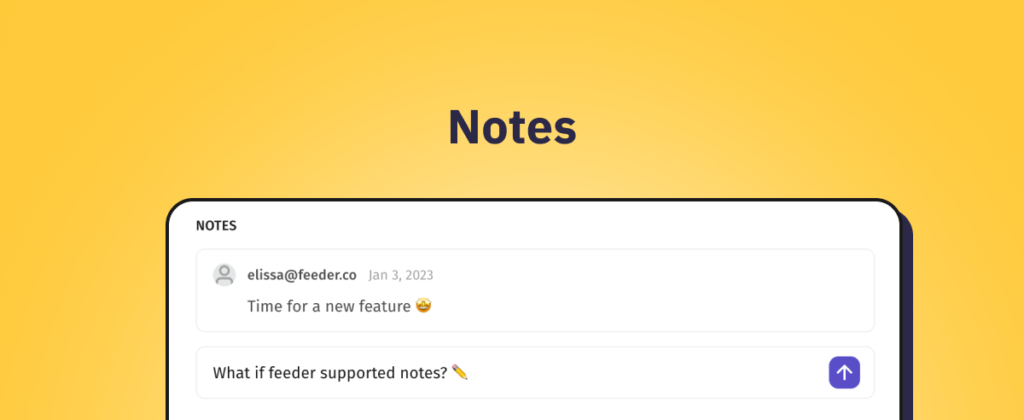
In 2023 Feeder released Notes: add notes at the bottom of posts, see your team's notes, and find all posts with notes in a new Notes section in the sidebar.
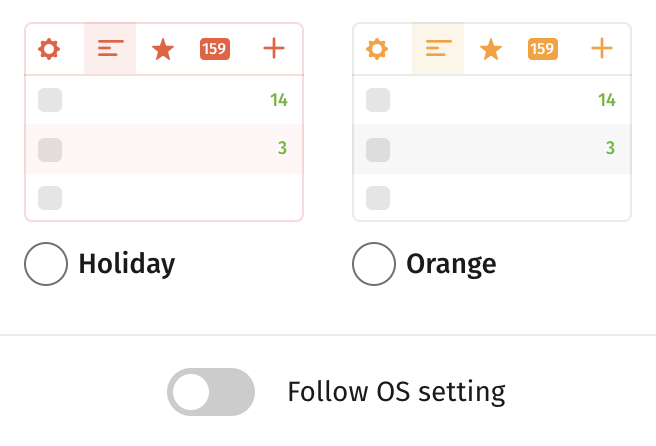
In 2023 Feeder added a setting that switches between dark and light mode to match your system preference. Turn it on in your account under Appearance.
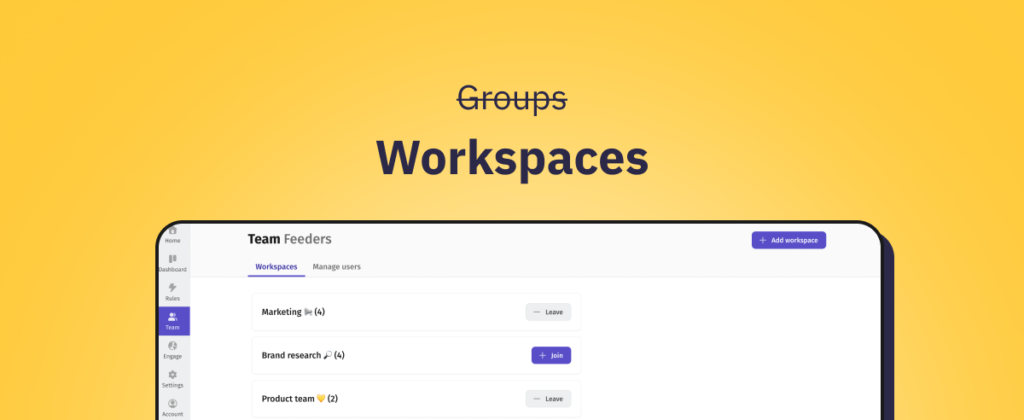
Workspaces for Teams leaves beta: Groups become Workspaces, shown in the sidebar next to your personal feeds, with a new Team page and guided onboarding.

Post to Webhook lets Feeder rules send new, filtered posts to any webhook, so you can build your own workflows and integrations on top of your feeds.
Feeder's Post to Microsoft Teams rule sends new posts to a Teams channel, with filters so only relevant posts come through, just like with Slack.
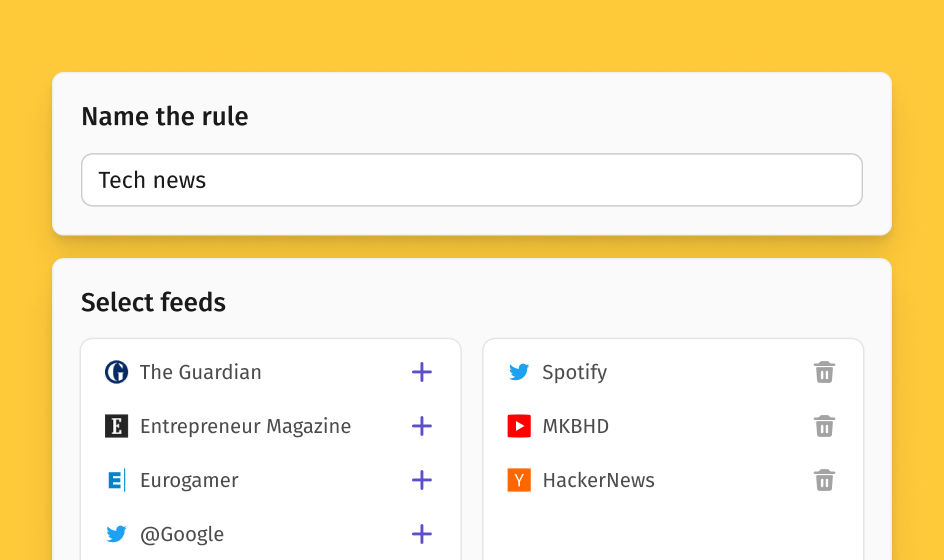
Feeder rules can now have names, so you can organize them your way and find the right rule later. A short product update from November 2022.
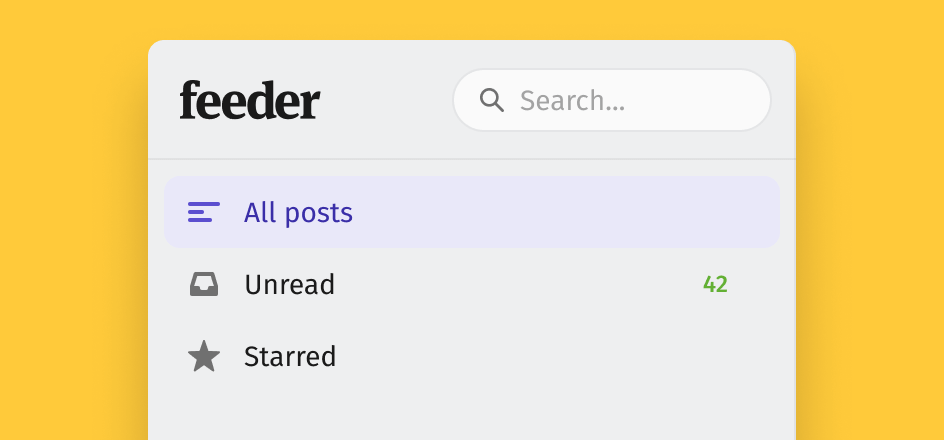
Feeder adds search across your feeds, folders and collections, with date and read-state filters plus operators for phrases, exclusions and fuzzy matches.