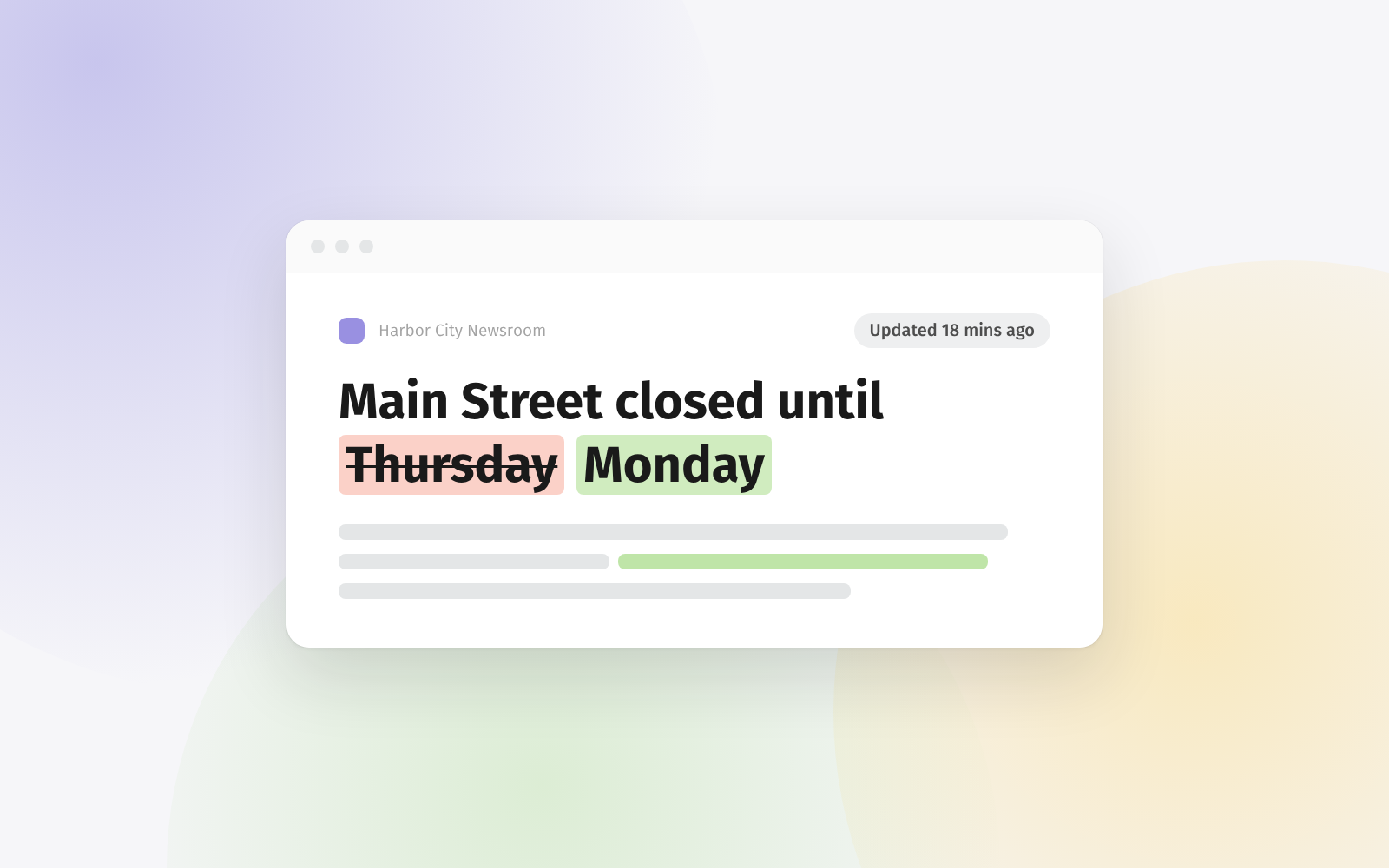
Ever noticed how some feeds, especially when you're tracking multiple Google News searches, Google Alerts, or Upwork searches, tend to surface the same results? Well, with duplicate filters, you can now set up a rule to hide those redundant posts across your feeds.
Here's how it works: head over to the Rules page, create a new rule, and select the "Filter duplicates" option. Our system will then compare the title and URL of the posts within the feeds or folders you've selected. If it finds a match (meaning both title or URL are the same), it'll consider the post a duplicate and hide it from your view.
This feature is available for Feeder Professional and Enterprise users. Compare our pricing plans on our pricing page.
Want to dive deeper into how to set this up and explore the different options available? Check out our documentation right here.